あたらしい せかいへ、しゅっぱつ!All aboard for new worlds!
海辺の坂の街と、大きな時計塔の街。ふたつのステージが加わって、ぜんぶで9つになりました。 A hilly city by the sea and a grand old city with a great clock tower — two new stages, nine in all.
9つの せかいを 走ろうNine worlds to ride through
のはらステージは無料。ほかのステージは、ひとつずつ、または「ぜんぶの ステージ」でまとめて、アプリ内で購入できます(買い切り・サブスクリプションではありません)。購入の前には、保護者の確認が表示されます。 The Meadow is free. The other stages can be bought in the app one at a time, or all together with "Every Stage" — one-off purchases, not subscriptions. A grown-ups' check always comes first.
なぞって、走って、見つけようDraw it, ride it, find things
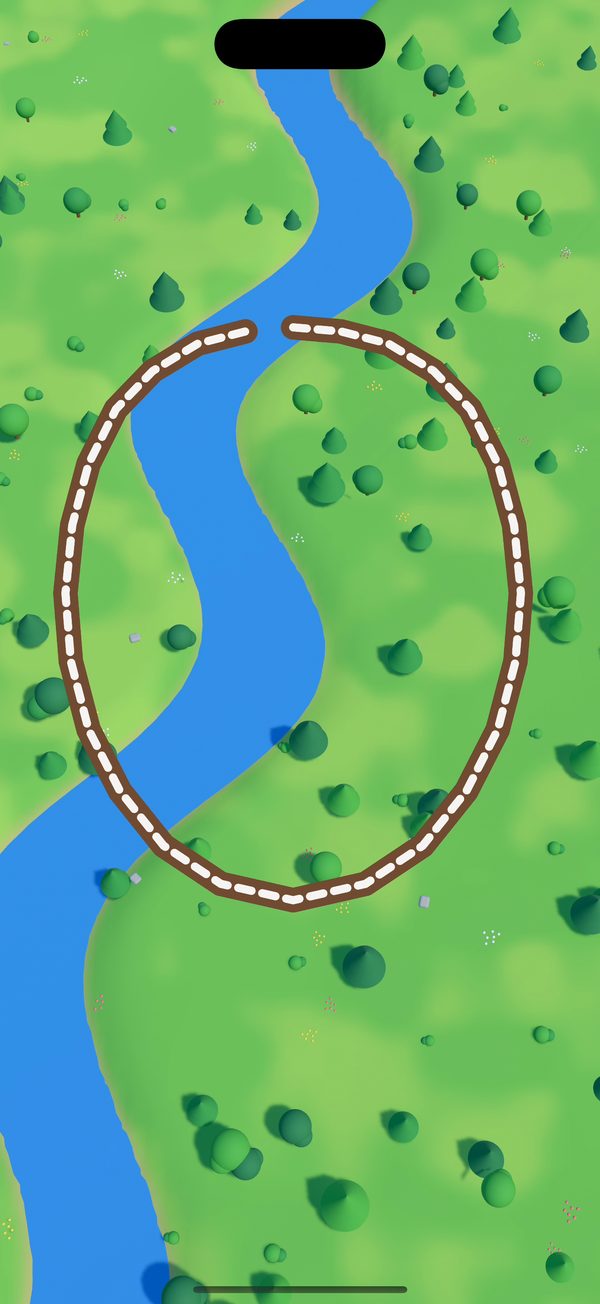
なぞるだけで線路ができるDraw a line, get a track
指で一筆書きするだけ。ぐにゃぐにゃの線もきれいな線路に整えて、汽車が走り出します。川は鉄橋でわたり、山はトンネルでくぐります。 Just draw a line. Even a wobbly one is smoothed into a proper track and the train sets off. Rivers get bridges and hills get tunnels, all by themselves.
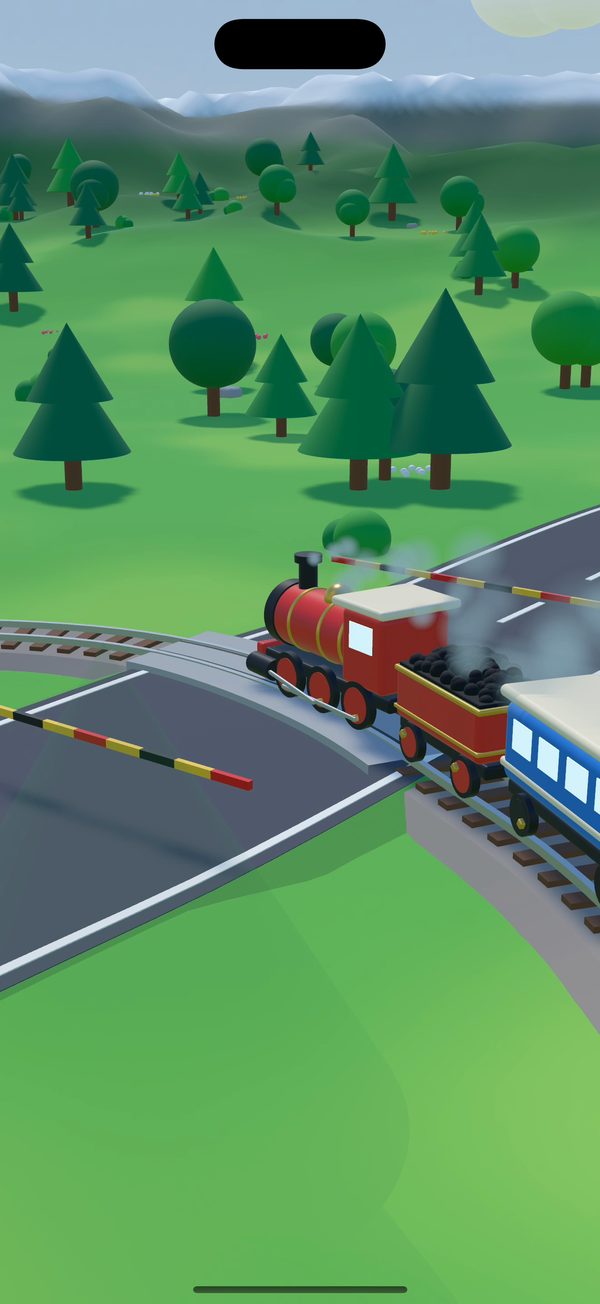
踏切で カンカン、はたらく車もDing-ding crossings and busy roads
道路と交わるところは踏切に。汽車が近づくと遮断機が下りて、車が止まって待ちます。駅に止まると、どうぶつたちが乗りこみます。 Where a road meets the track there's a level crossing: the bells ring, the barriers come down and the cars wait. At the stations, animals hop aboard.
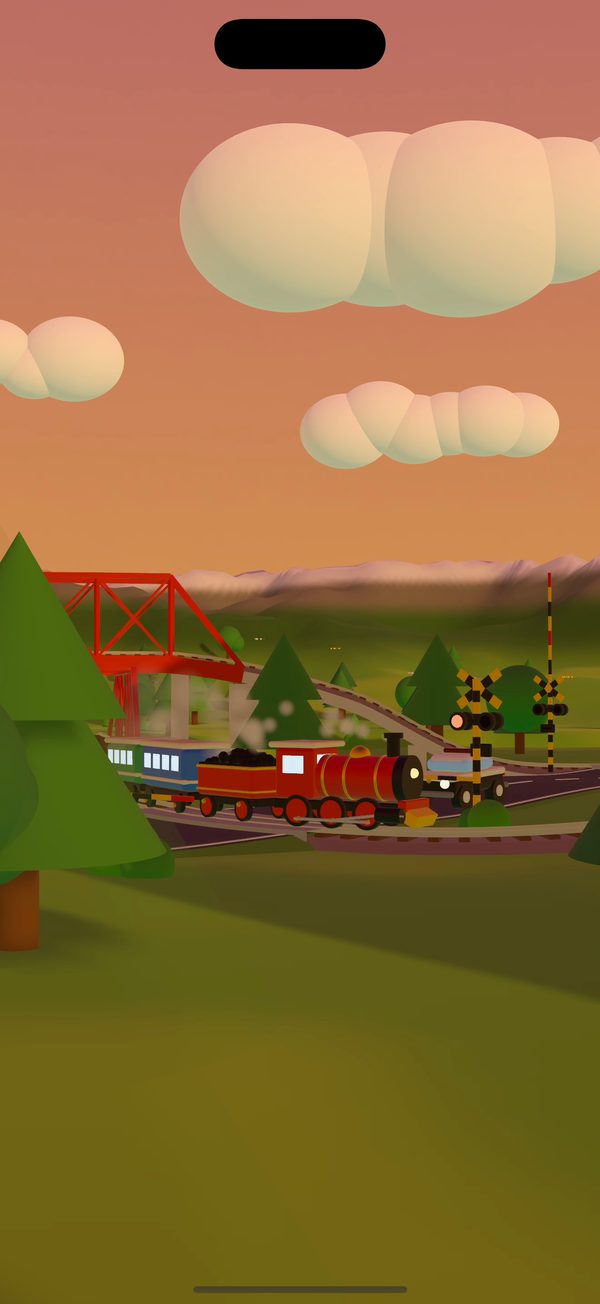
じぶんで うんてん、毎回ちがう空Drive it yourself, under a new sky
速さボタンを長押しすると運転レバー。カメラも、上から・うしろから・横から・駅や踏切から。時間帯(昼・夕焼け・夜・満月)と天気(晴れ・雨・雷・雪)も毎回変わります。 Hold the speed button for a driving lever, and watch from above, behind, the side, a station or a crossing. The time of day (day, sunset, night, full moon) and the weather (sun, rain, thunder, snow) change every time.
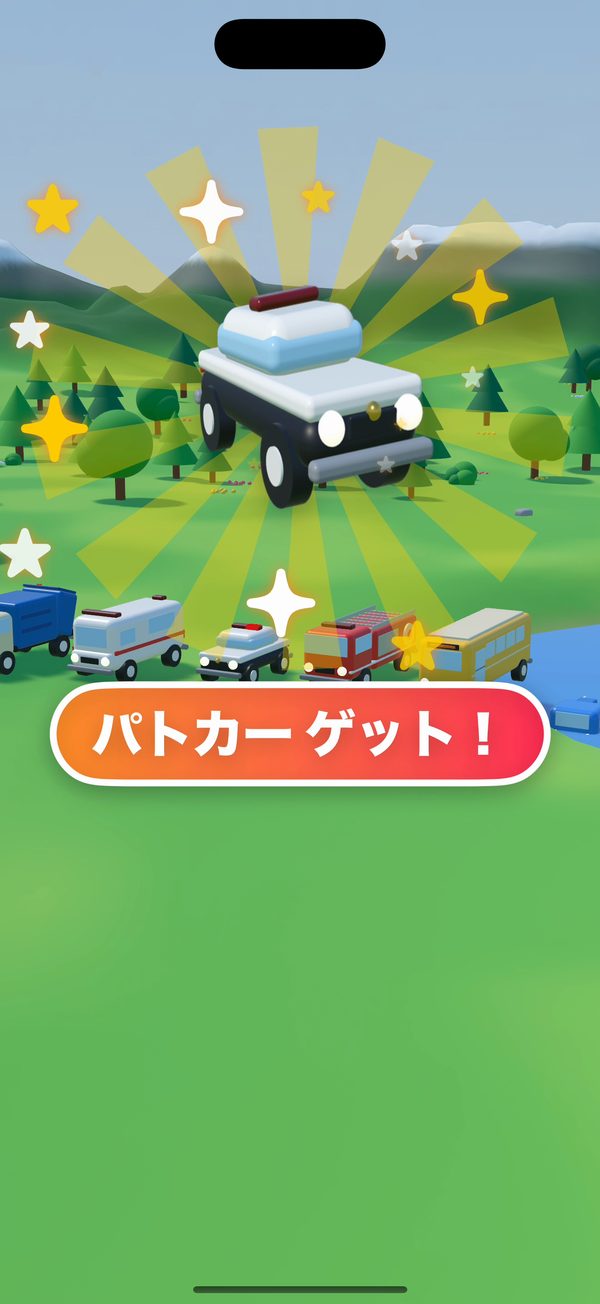
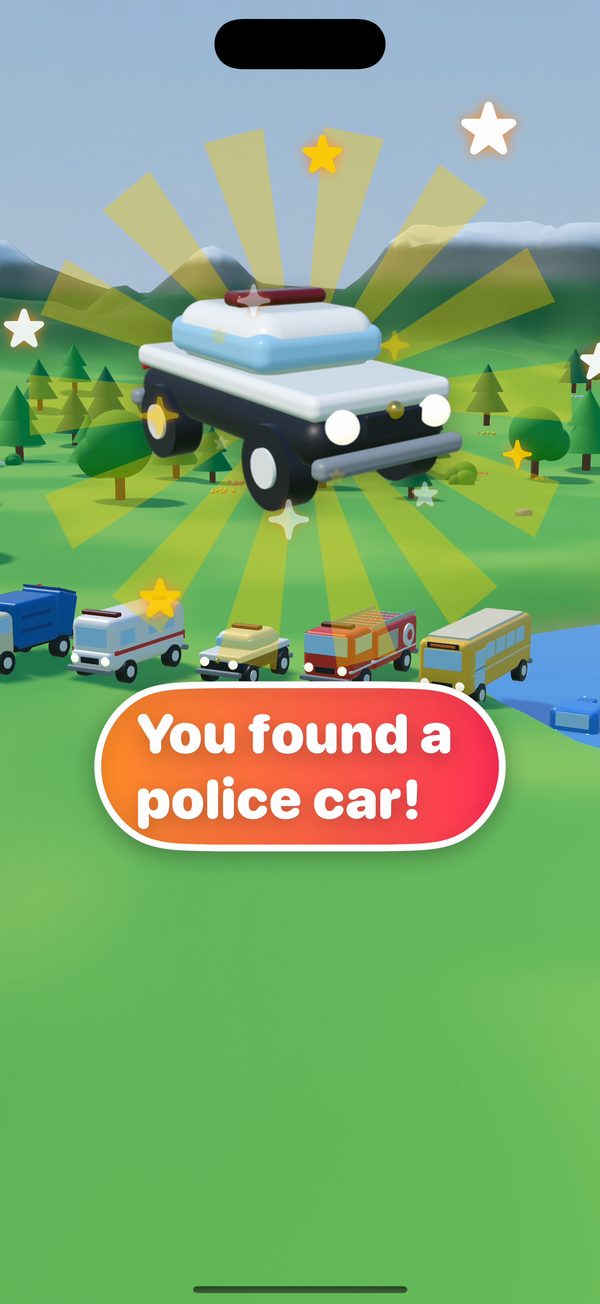
タップして「ゲット!」Tap it — you found it!
汽車は汽笛、車はクラクション、どうぶつも反応します。めずらしい車や建物、どうぶつを見つけてタップすると、コレクションに入ります。 The train whistles, cars honk and animals react. Find rare vehicles, buildings and animals and tap them to add them to your collection.
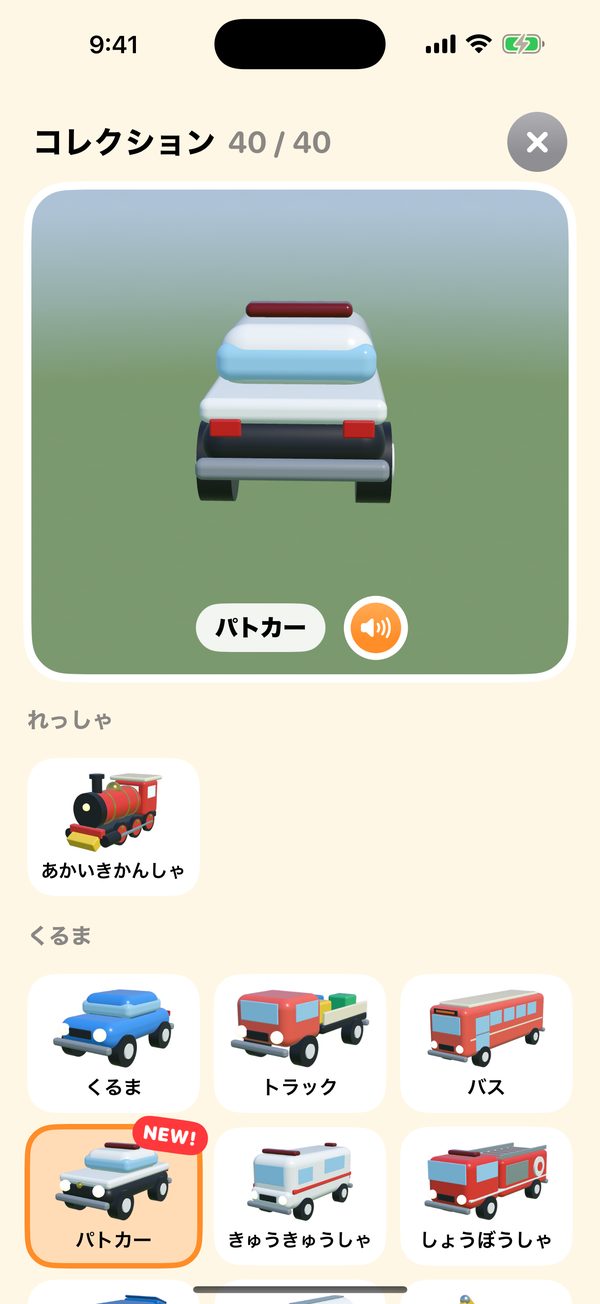
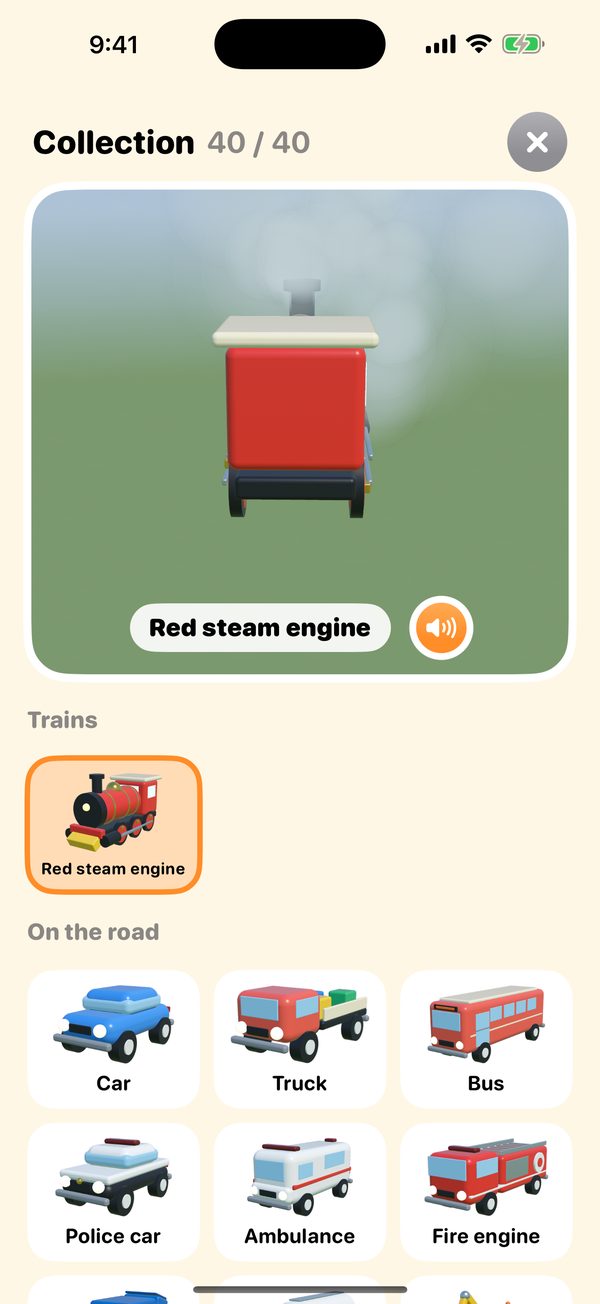
あつめて コレクションFill your collection
集めたものは、回して眺めたり、音を鳴らしたり。たくさん集めると、とくべつな列車などのプレゼントも。天気や季節によって、レアなものに出会えることも。 Spin your finds round and hear their sounds. Collect lots and you'll get presents like special trains — and with the right weather or season, rare finds turn up.
安心して渡せるようにSafe to hand over
よくある質問Questions and answers
対応している端末は?Which devices does it run on?
iOS / iPadOS 18 以降の iPhone と iPad で遊べます。iPhone and iPad with iOS / iPadOS 18 or later.
「ぜんぶの ステージ」とは?What is "Every Stage"?
有料のステージを まとめて開ける購入です。今後のアップデートで増えるステージも、追加の料金なしで遊べます。すでに一部のステージを購入している場合、その分の割引はありません(App Store の仕組みによります)。 One purchase that opens every paid stage, including stages added in later updates at no extra cost. If you've already bought some stages, they aren't discounted (that's how the App Store works).
購入したステージが使えない・機種変更したA stage I bought isn't open, or I have a new device
ステージの購入画面の「購入を復元」から、同じ Apple アカウントで購入したステージを復元できます(保護者の確認のあとで行います)。ファミリー共有を有効にしている場合は、家族の端末でも使えます。 Use "Restore purchases" on a stage's purchase screen (after the grown-ups' check); stages bought with the same Apple Account come back. With Family Sharing on, your family's devices can use them too.
子どもが勝手に購入しないか心配Could my child buy something by accident?
購入の前には必ず、文字で書かれたかけ算の問題が表示されます。さらに、iPhone / iPad の「スクリーンタイム」でアプリ内課金を制限したり、「承認と購入のリクエスト」を使うこともできます。 A multiplication question written in words always comes first. You can also restrict in-app purchases with Screen Time, or use Ask to Buy.
プレゼントのコースで遊んだステージを買いたいWe tried a stage with a present course and want to buy it
まだ持っていないステージのコースを走っているあいだは、画面右上にカートのボタンが出ます。そこから(保護者の確認のあとで)そのステージを購入できます。購入すると、そのまま線路をかいて遊べます。 While riding a course in a stage you don't have yet, a cart button shows at the top right. It opens that stage's shop (after the grown-ups' check); once bought, you can draw your own tracks there too.
作ったコースを家族や友だちに渡したいHow do I share a course?
コースの一覧で「QRで共有」を選ぶと、QR コードが表示されます(保護者の確認のあとで行います)。「送る」からメッセージなどでリンクを送ることもできます。受け取る側は、コースの一覧の「QRで よみこむ」でカメラをかざすか、QR コードの写真を選んでください。コースの情報は QR コードやリンクの中にだけ入っていて、当社のサーバーには送られません。 In the course list, choose "Share QR" (after the grown-ups' check) to show the course as a QR code, or use "Share" to send it as a link in a message. On the other device, tap "Read QR" in the course list and point the camera at the code, or choose a picture of it. The course lives only inside the QR code or link; it never reaches our servers.
カメラは何に使っていますか?What is the camera used for?
共有されたコースの QR コードを読むときだけ使います。映像を保存・送信することはありません。Only to read the QR code of a shared course. Nothing is recorded or sent.
音が出ない・うるさい/声が聞こえないNo sound, too loud, or no voice
歯車のボタン(設定)から、ミュートと、音楽・効果音・音声ガイドの音量を調整できます。音声ガイドは「おんせい ガイド」をオンにすると話します。端末の消音スイッチや音量もご確認ください。Open Settings (the gear button) to mute or set the volumes of the music, sound effects and voice guide. The voice guide speaks once "Voice guide" is turned on. Please also check the device's silent switch and volume.
データを消したいHow do I delete the app's data?
コースやコレクションは端末の中にだけ保存されています。アプリを削除すると、すべて消えます(購入したステージは「購入を復元」で戻せます)。Courses and the collection are kept only on the device; deleting the app removes them all. Bought stages can be brought back with "Restore purchases".
解決しないときや、ご意見・ご要望は、お問い合わせフォームからご連絡ください。 Still stuck, or have an idea for us? Please get in touch through the contact form.
お問い合わせContact us
さあ、キミだけの 鉄道を つくろう!Build a railway of your own!
のはらステージは無料で遊べます。The Meadow is free to play.